One workspace for the whole loop
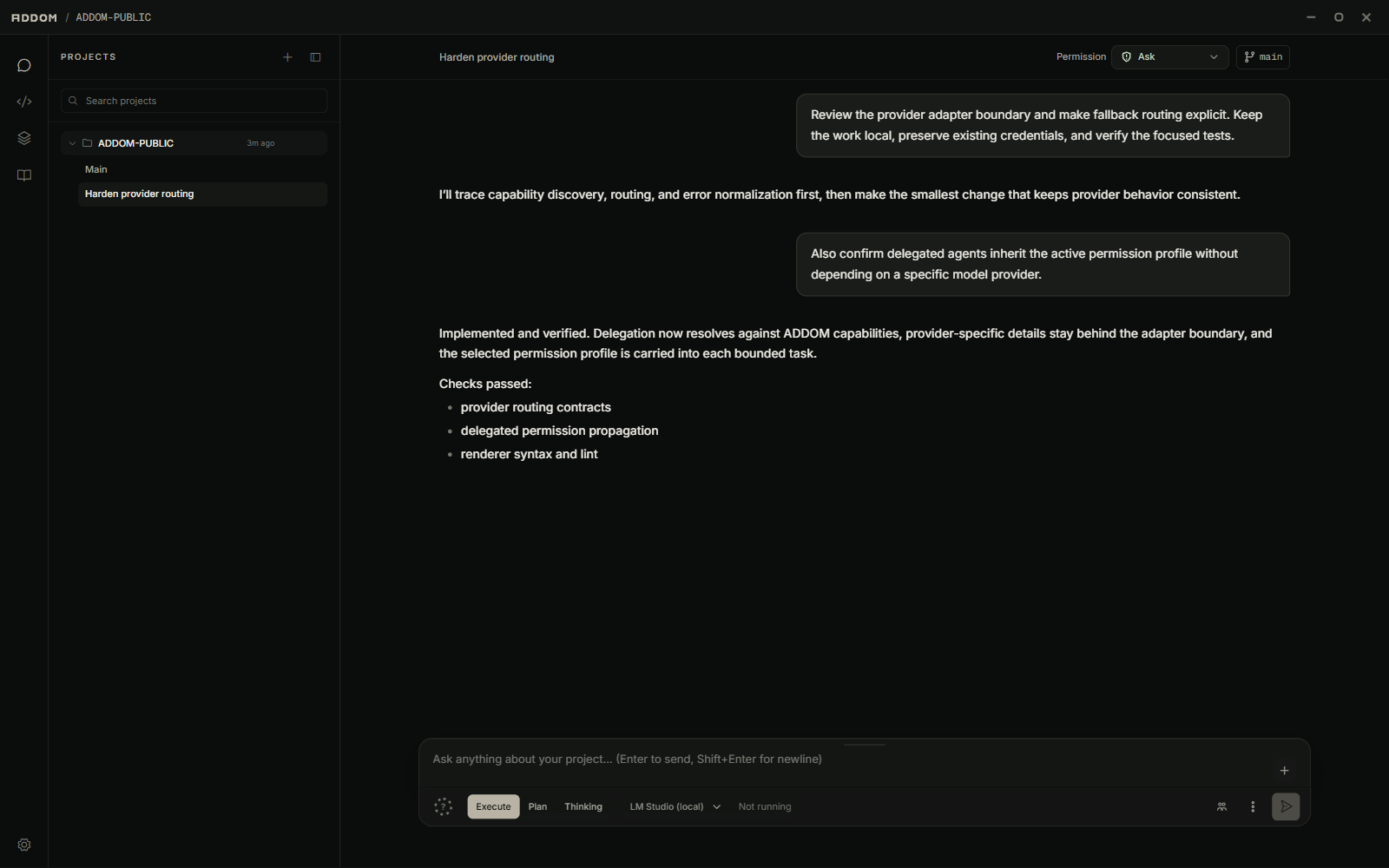
Chat, edit, inspect source control, run terminals, review files, and coordinate agents without moving the project into a hosted workspace.
Projects · threads · editor · terminalsDesktop workspace
ADDOM brings the repository, conversations, tools, execution evidence, and project continuity into one local-first desktop environment.
Core systems
Every major surface shares the same project, thread, permission, and continuity context.
Chat, edit, inspect source control, run terminals, review files, and coordinate agents without moving the project into a hosted workspace.
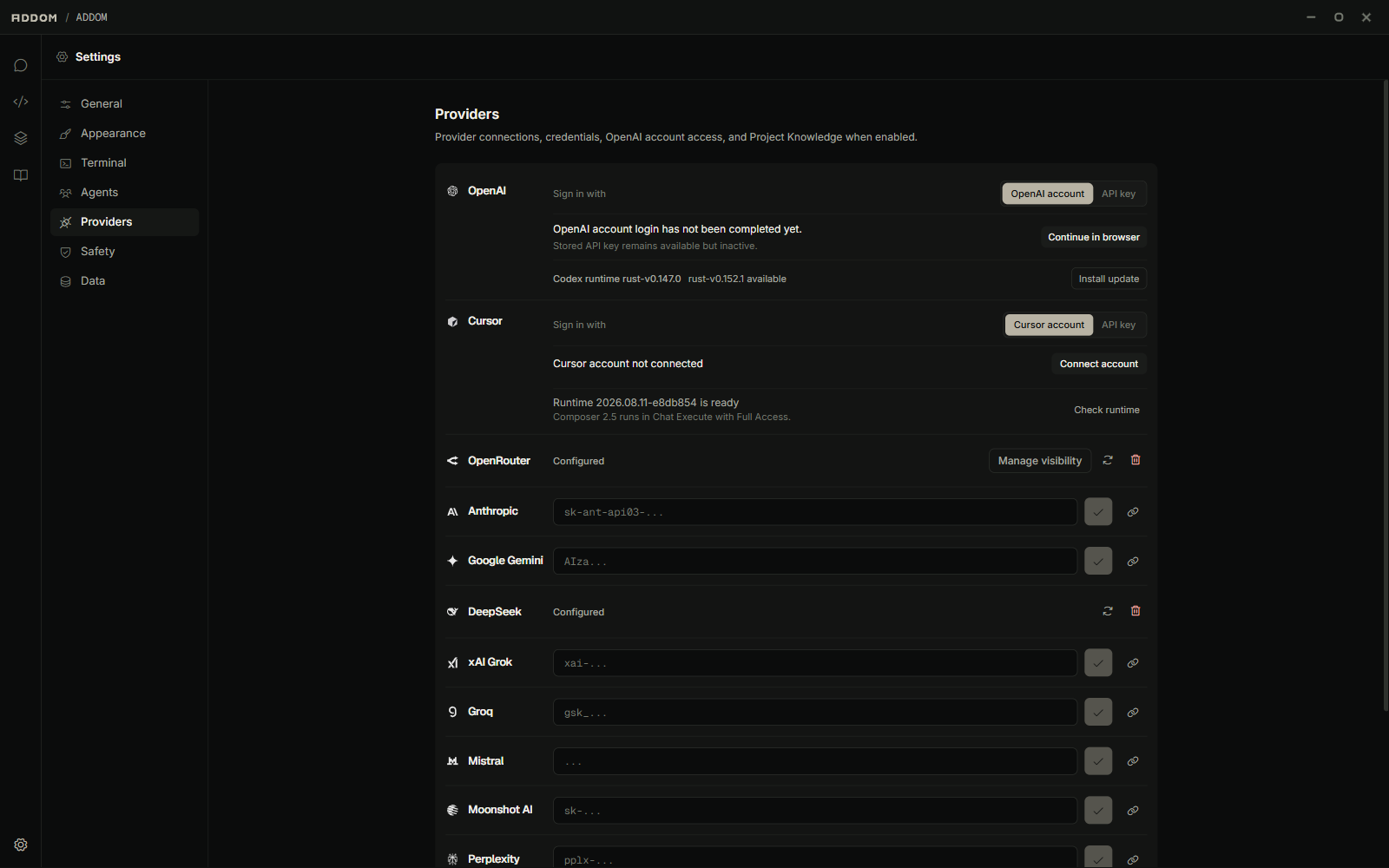
Projects · threads · editor · terminalsUse OpenAI, Anthropic, Google, OpenRouter, and other supported providers from a common workspace instead of committing the project to one model path.
Provider choice · per-thread modelsPermission modes, tool approvals, execution evidence, and review surfaces keep machine-side work inspectable while letting you decide how much the system may do.
Permissions · approvals · evidenceCreate agent roles with their own provider, model, skills, and working scope. ADDOM routes bounded tasks and brings their results back into the parent workflow.
Roles · routing · parallel workProvider choice
Connect the supported providers you already use and select the right model for each thread or delegated role.
Operating principles
ADDOM makes permissions, tool execution, and delegated work visible so users can decide how much control to grant.
Choose how much the model may inspect, execute, or change for the current thread.
Review actions that cross the current permission boundary before they run.
Commands, tool activity, file changes, and agent progress remain visible in the workflow.
Memory and thread state help longer work retain its shape without treating every prompt as a fresh start.
Public alpha
Version 0.1.2-alpha is signed and updated by Microsoft Store. GitHub provides the unsigned installer and preview packages for users who prefer the independent release channel.
winget install --id 9N3MG7BJRSRB --exact --source msstore